In today's digital world, companies like Microsoft gather vast amounts of information to power their services—from Windows and Office to Xbox, Outlook, and cloud tools like OneDrive. But how exactly does this happen, and what does it mean for your privacy?
Microsoft's official Privacy Statement breaks it down clearly: the company collects personal data through direct interactions with you and via its products. Some data comes straight from you (like when you sign up or input info), while other pieces are gathered by observing how you use their services, your experiences, and interactions.
The exact data collected varies based on several key factors:
- The context of your interactions with Microsoft
- The choices you make (including your privacy settings)
- The specific products and features you use
Microsoft also sources data from its affiliates, subsidiaries, and third parties to build a more complete picture.

This visual illustrates how data flows in tech ecosystems, similar to how Microsoft integrates information from user interactions and tools.
Special Cases: Enterprise, Schools, and Organizational Accounts
If you're using Microsoft products through your workplace, school, or another organization (such as Enterprise or Developer tools), the rules shift. Check the dedicated sections in Microsoft's Privacy Statement for Enterprise and Developer Products or Products Provided by Your Organization.
For personal Microsoft accounts tied to an organization, refer to the Microsoft Account guidelines. These scenarios often involve additional admin controls or compliance requirements.
You Have Real Choices – And Real Trade-Offs
One of the most empowering parts: You decide what to share.
- When Microsoft requests personal data, you can decline.
- However, many features and services require certain data to function. Refusing required data means you can't access that product or feature.
- In cases where data is legally mandated or needed for a contract (e.g., to provide the service), not providing it could prevent Microsoft from entering the agreement—or lead to suspension/cancellation of an existing one. They'll notify you if this happens.
- For optional data (like details that enable personalization), skipping it simply means those extras—like tailored recommendations or customized experiences—won't work as well (or at all).
This balance gives users meaningful control while ensuring core services remain operational.
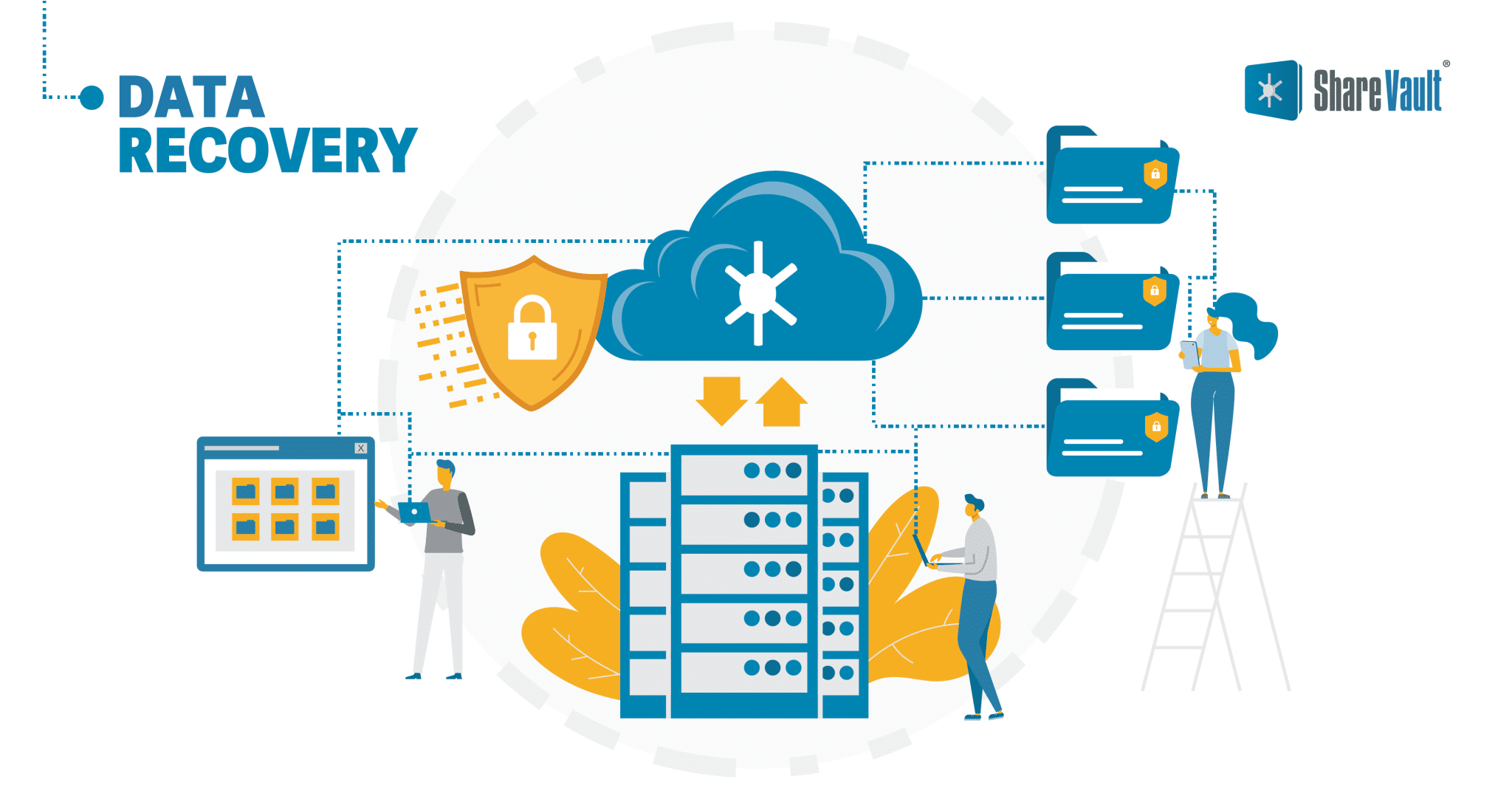
A strong lock and shield symbolize the protective measures and user controls available in privacy-focused systems.
Modern devices and apps, like those running Windows, highlight the interface where users adjust privacy settings and see data collection in action.
Why Transparency Matters in 2026
Microsoft emphasizes user control, offering tools like the Privacy Dashboard to view, manage, export, or delete much of your data. Features such as diagnostic data classification (Required vs. Optional) and detailed settings help you customize what gets shared.
Ultimately, Microsoft's approach reflects a broader industry trend: collecting data to deliver better, more secure, and personalized experiences—while giving you the power to opt in or out where possible.
Stay informed by reviewing the full Microsoft Privacy Statement directly on their site, and regularly check your privacy settings across devices and accounts. Knowledge is your best defense in the digital age.
Comments
Post a Comment