As Windows 10 reaches end-of-support (October 2025), many users are turning to lightweight versions of Windows 11 to revive older hardware or achieve a cleaner, faster experience. "Lightweight Windows" typically means debloated standard Windows 11, official Windows 11 IoT Enterprise LTSC 2024, or unofficial mods like Tiny11. But do they deliver real performance improvements, and at what security cost?
Performance: Noticeable on Low-End Hardware, Modest Elsewhere
Debloating reduces background processes, RAM usage, and disk footprint, leading to:
- Faster boot times and snappier responsiveness (especially File Explorer).
- Lower idle RAM (1-2 GB vs. 3-4 GB in standard Windows 11).
- Smaller install size (12-15 GB for LTSC vs. 20-30 GB standard).
However, benchmarks show minimal gains in raw tasks like gaming FPS or CPU-intensive work on modern hardware. The biggest wins are on older/low-spec PCs (e.g., 4-8 GB RAM, pre-2018 CPUs).
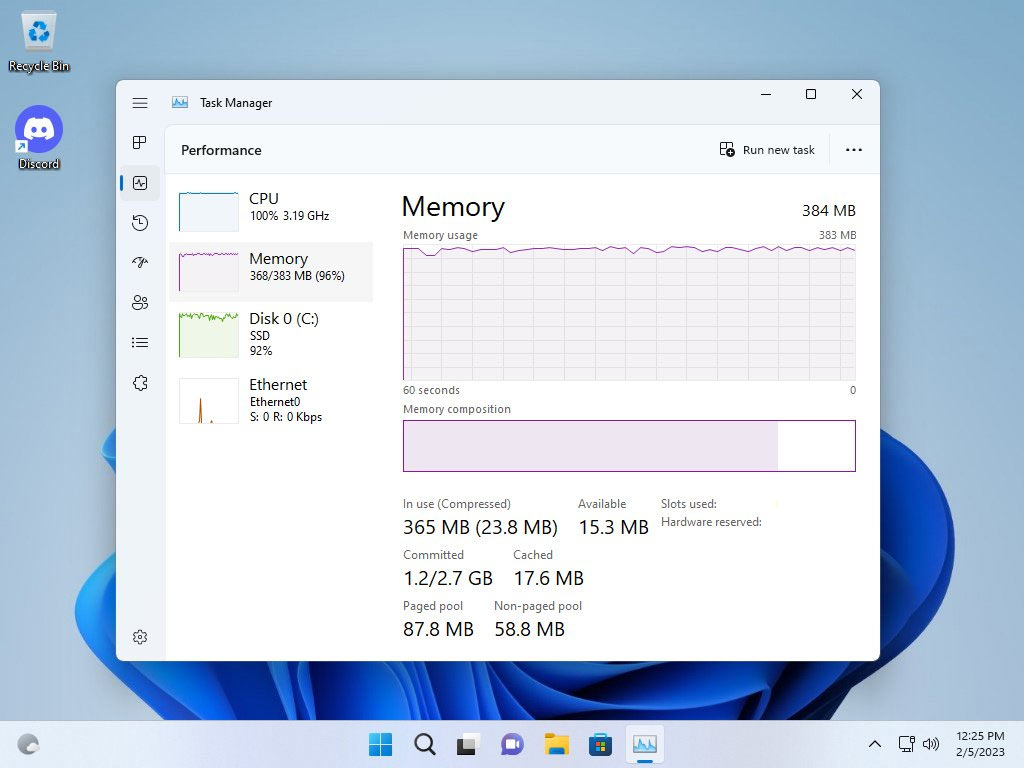
Stripped-down Windows 11 running efficiently on minimal RAM (e.g., extreme Tiny11 variants).
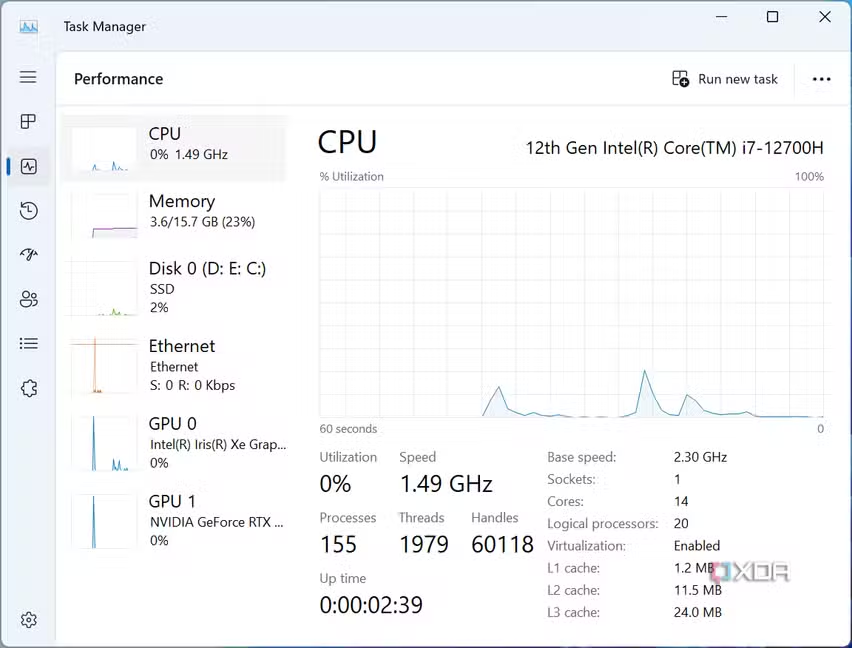
Task Manager comparison showing lower resource usage in Tiny11.
Here's a summary table based on 2025 user reports and tests:
| Version | Idle RAM Usage | Install Size | Boot Time Improvement | Best For | Real-World Gains |
|---|---|---|---|---|---|
| Standard Windows 11 | 3-4 GB | 20-30 GB | Baseline | Modern hardware, AI features | Full features, but bloated |
| Debloated Standard (e.g., Win11Debloat script) | 2-3 GB | 15-20 GB | 10-20% faster | Everyday users | Snappier UI, easy to revert |
| IoT Enterprise LTSC 2024 (Official) | 2-3 GB | 12-15 GB | 15-30% faster | Stability & older PCs | Clean by default, no ads/telemetry |
| Tiny11 (Unofficial) | 1-2 GB | 8-12 GB | 20-40% faster | Very low-spec hardware | Extreme lightness, but risky |

Clean desktop in Windows 11 LTSC – no bloat, minimal UI.
Security: Official Lightweight Wins Hands-Down
- Standard & LTSC: Full Microsoft support – monthly security patches, Windows Defender, BitLocker, and modern features (e.g., TPM/Secure Boot in standard). LTSC gets 10-year support (until 2034) with only critical updates, reducing risks from feature changes.
- Debloated Standard: Safe if using trusted scripts (e.g., Win11Debloat or Chris Titus Tech's tool). Keeps Defender and updates intact.
- Tiny11: Higher risks – some variants disable Defender, break updates, or bypass security checks (e.g., no TPM). Unofficial mods can introduce compatibility issues or hidden malware if downloaded from untrusted sources. Not recommended for sensitive data.
LTSC is often called the "safest lightweight" option: enterprise-grade security without consumer fluff.
Recommendations for 2025
- Best Overall: Windows 11 IoT Enterprise LTSC 2024 – official, secure, lightweight, and stable. Ideal if you can obtain it (evaluation ISO available from Microsoft).
- Easiest: Debloat your existing Windows 11 with a script – reversible and safe.
- Avoid for Daily Use: Extreme mods like Tiny11 Core (limited security/no updates).
- On powerful hardware? Stick with standard Windows 11; the "bloat" is negligible.
Lightweight versions excel at extending old PC life and prioritizing privacy/stability, but security should never be compromised. If performance feels sluggish, start with simple debloating before jumping to mods!
Comments
Post a Comment