While AutoCAD remains the dominant CAD software with around 39% market share in 2025, many professionals in architecture, engineering, construction, and manufacturing have switched to alternatives for reasons like lower cost, perpetual licensing, better performance in specific workflows, or open-source flexibility. Here are the most commonly adopted options based on user reviews, industry reports, and professional discussions.
Top Professional Alternatives
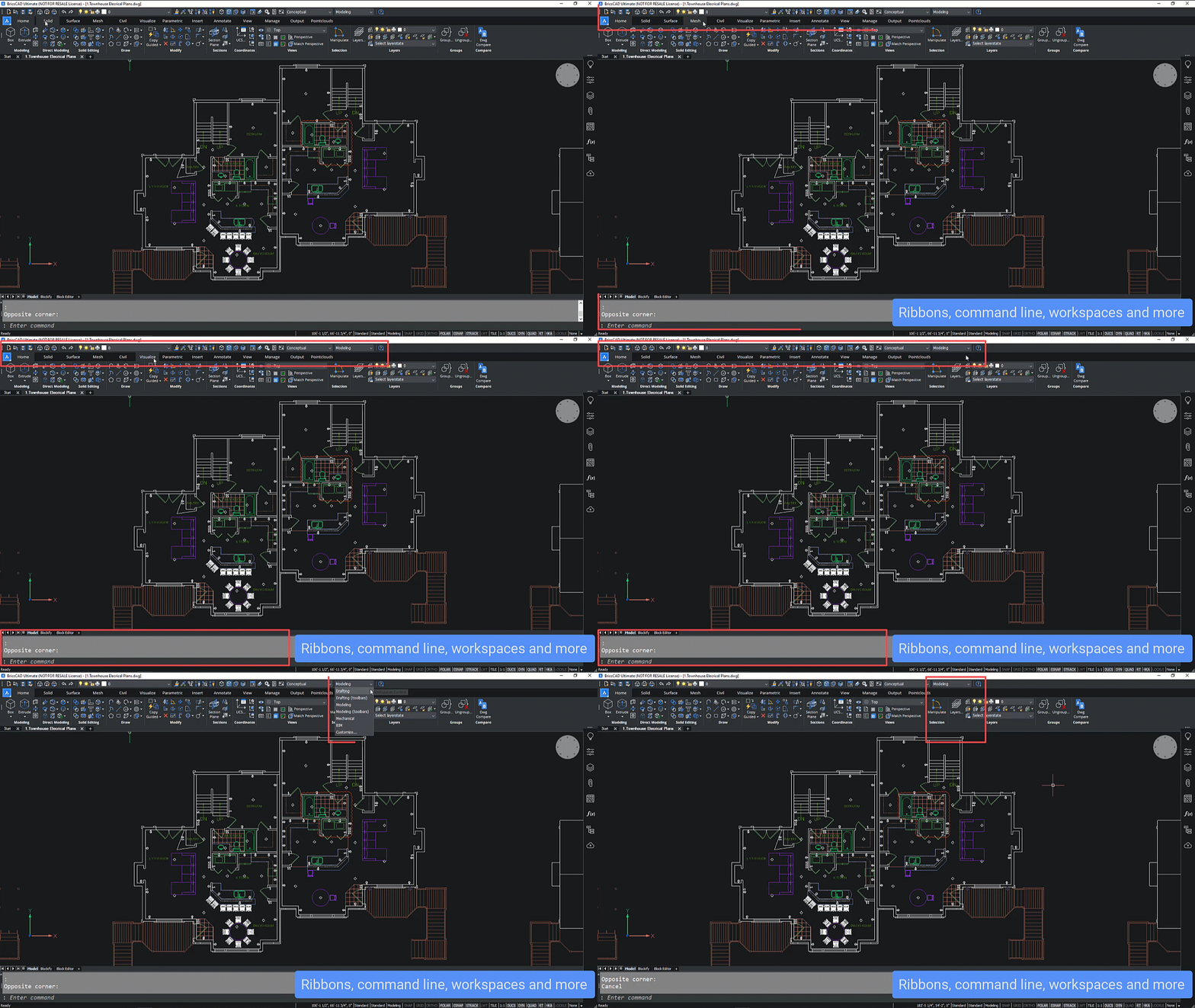
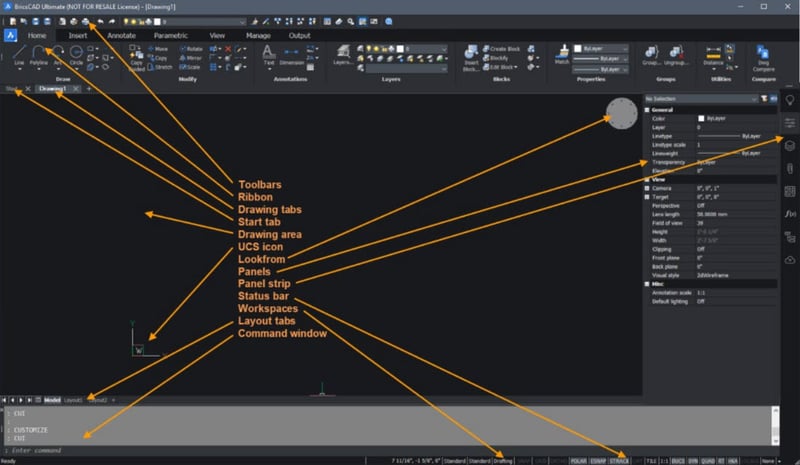
- BricsCAD (Bricsys) The closest direct replacement for AutoCAD, with near-identical interface, commands, and full native DWG compatibility. Professionals praise its smooth transition (minimal retraining), AI tools, and options for perpetual licenses. It's widely used in AEC and mechanical fields for both 2D drafting and 3D modeling.
- DraftSight (Dassault Systèmes) A professional-grade 2D CAD tool (with 3D in premium versions) that's highly familiar to AutoCAD users. It's popular for its DWG support, affordability, and stability in drafting workflows, especially among architects and engineers focused on 2D.



Bentley MicroStation
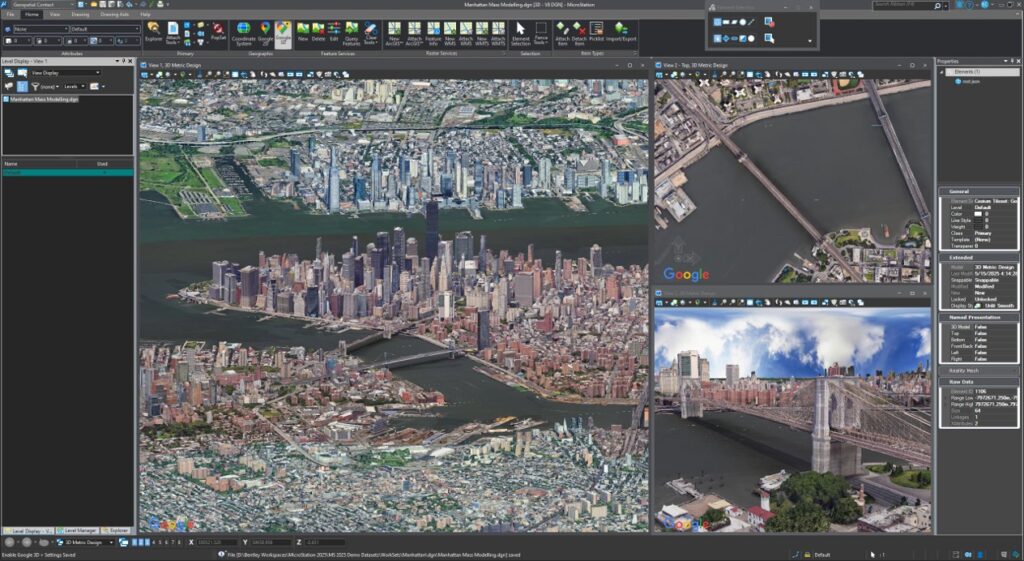
Preferred in civil engineering, infrastructure, and large-scale projects for its robustness in handling complex models and geospatial data. It's a strong enterprise choice where precision and collaboration on massive files matter.

- ZWCAD Another cost-effective DWG-compatible option with a very similar interface. Professionals in surveying and manufacturing appreciate its speed and compatibility for everyday 2D/3D tasks.


- FreeCAD (Open-Source) Gaining traction among mechanical engineers and smaller firms for parametric 3D modeling. It's free, customizable, and capable for production use in many cases, though it has a steeper learning curve for pure 2D drafting compared to AutoCAD.
Other Notable Mentions
- nanoCAD — Affordable DWG editor with a free version for non-commercial use; good for basic professional 2D work.

- For specialized needs: SOLIDWORKS (mechanical/product design) or Revit (BIM/architecture) are common switches, but they're not direct AutoCAD replacements.
The "best" alternative depends on your focus (2D vs. 3D, industry, budget). Many professionals report successful migrations to BricsCAD or DraftSight with little disruption, especially when DWG compatibility and familiar commands are priorities.
Comments
Post a Comment