US home users often overlook basic cybersecurity habits, leaving Windows PCs vulnerable to malware, ransomware, and data theft. With Windows 10 now past its end-of-support (October 2025), these errors are riskier than ever—unpatched vulnerabilities accumulate, and hackers target the large remaining user base.
Here are the top mistakes, based on 2025 reports from Microsoft, Kaspersky, Proofpoint, and cybersecurity experts:
- Staying on Unsupported Windows 10 Millions of US homes still run Windows 10 without Extended Security Updates (ESU). No free patches mean new flaws go unfixed, inviting exploits like privilege escalation (e.g., CVE-2025-62221). Fix: Upgrade to Windows 11 (free if eligible) or enroll in ESU (~$30/year for consumers).

Windows Update screen often ignored or postponed.
- Falling for Phishing and Social Engineering
Clicking malicious links, downloading infected files, or pasting fake "CAPTCHA" commands into PowerShell/Run dialog is rampant. InfoStealer malware surged in 2025 via these tactics.
Fix: Verify sender emails, avoid unknown links/attachments, and enable Microsoft Defender SmartScreen.
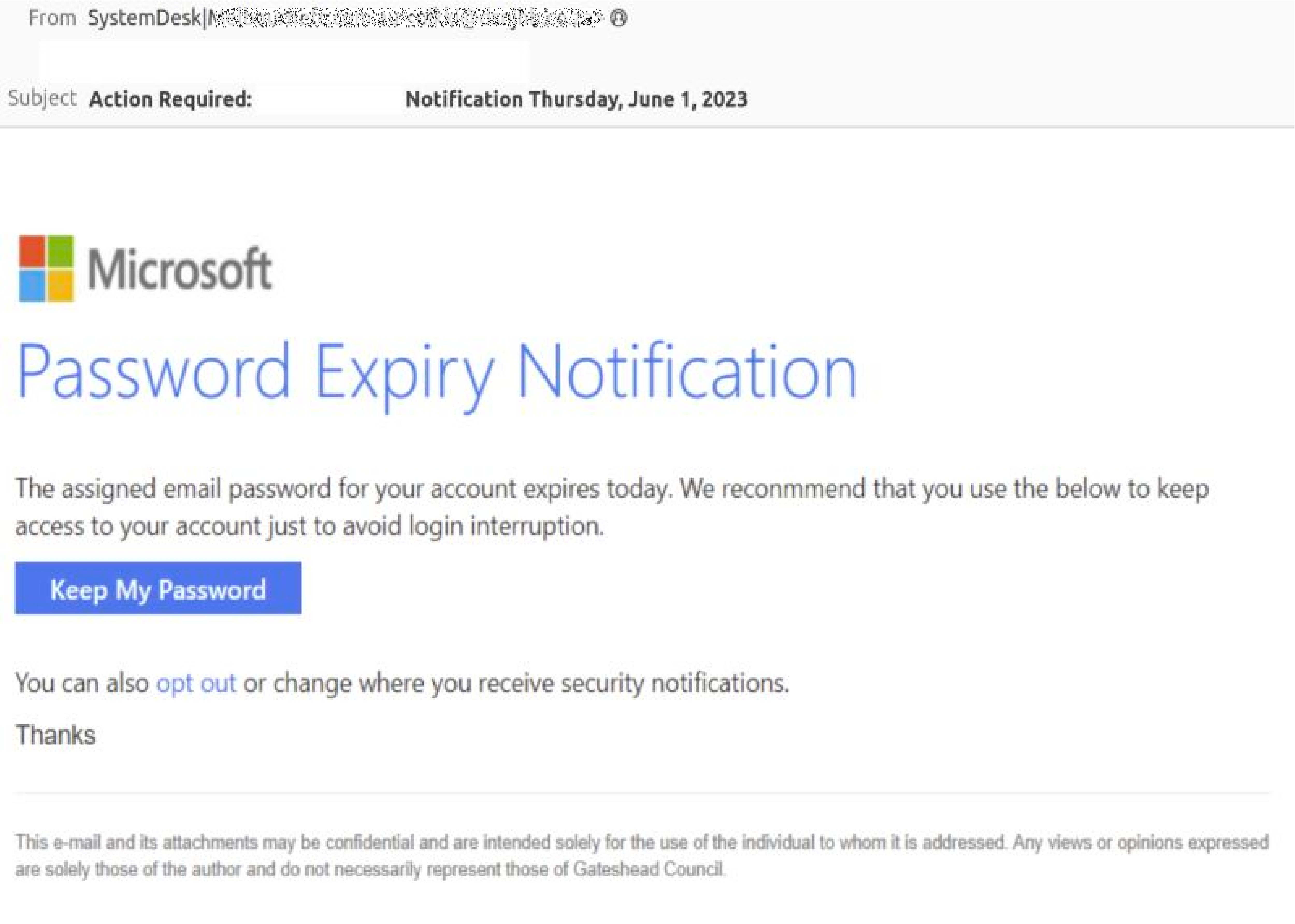
Examples of phishing emails targeting Windows/Microsoft users.
- Using Weak or Reused Passwords Simple passwords (e.g., "12345") or reusing them across sites remain common, enabling credential stuffing attacks. Fix: Use a password manager (e.g., Bitwarden—free), enable 2FA, and create strong, unique passwords.
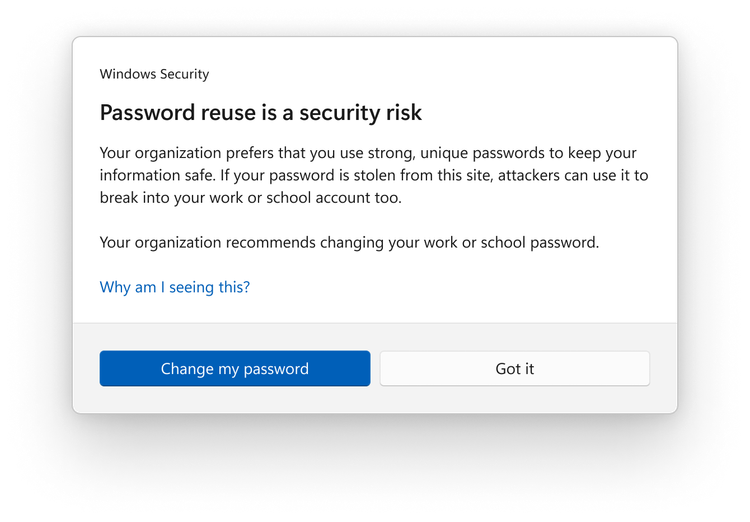


Illustrations of common password mistakes and phishing risks.
- Delaying or Ignoring Updates Postponing Windows/app updates leaves known vulnerabilities open—critical in 2025 with frequent zero-days. Fix: Enable automatic updates in Settings > Windows Update.
- Running as Administrator Daily & Disabling UAC Using an admin account for everything, or turning off User Account Control prompts, lets malware gain full system access easily. Fix: Use a standard user account for daily tasks; keep UAC enabled.
- No Regular Backups Ransomware can encrypt files without warning—many users lack offline backups. Fix: Use external drives or OneDrive; enable ransomware protection in Windows Security.
- Downloading Pirated/Cracked Software Torrents and cracks often bundle malware/trojans. Fix: Stick to official sources and Microsoft Store.
These habits account for most home breaches. Built-in Windows Security (Defender) is strong in 2025 tests, but it can't fix user errors. Stay safe: Update regularly, think before clicking, and consider upgrading from Windows 10!
Comments
Post a Comment